
Top PLC Programming Cables for Reliable Plant Support
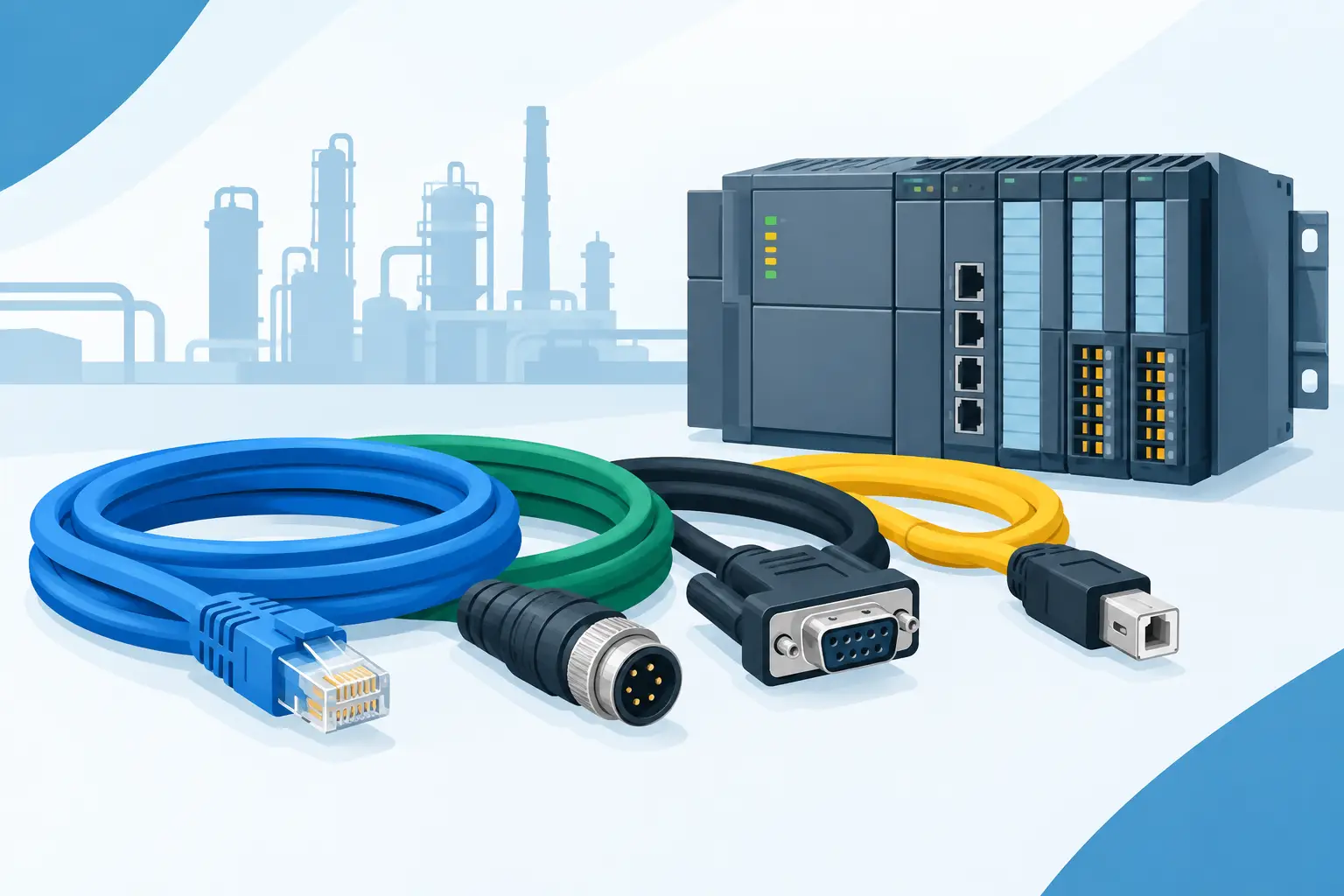
A programming cable is rarely a high-cost item, but it can become the part that holds up a startup, troubleshooting call, or urgent controller replacement. The top PLC programming cables are not universal accessories. They are controller-specific communication tools that must match the PLC family, engineering software, port type, and sometimes the operating system of the service computer.
For maintenance and controls teams, the right choice starts with the exact PLC catalog number and communication interface. A cable that physically fits a connector may still use the wrong pinout, voltage level, driver, or protocol. Selecting by brand alone is not enough.
What Makes a PLC Programming Cable the Right Choice?
PLC programming connections have changed significantly across generations of automation equipment. Older controllers may require RS-232, RS-485, MPI, PPI, DH-485, proprietary round connectors, or serial adapter assemblies. Newer platforms often use USB, USB-to-serial interfaces, Ethernet, Ethernet/IP, PROFINET, or USB device ports.
The correct cable must establish reliable communication between the programming computer and the controller without interrupting field wiring or creating a configuration problem. In practice, that means verifying five details before ordering:
- PLC manufacturer, product family, and exact part number
- Programming port type on the controller or operator interface
- Required protocol, including serial, Ethernet, USB, MPI, PPI, or proprietary networks
- Engineering software and supported communication drivers
- Computer connection available to the technician, such as USB-A, USB-C, or Ethernet
A USB connector at the laptop does not automatically mean a standard USB cable at the PLC. Many USB programming assemblies contain electronics that convert communication protocols. This matters especially when replacing older serial or fieldbus programming connections.
Top PLC Programming Cables by Controller Family
The best cable category depends on the installed automation platform. For a plant with mixed equipment, maintaining a small, clearly labeled cable kit by controller family reduces service delays and prevents technicians from trying unsuitable adapters during a breakdown.
Allen-Bradley and Rockwell Automation Connections
Allen-Bradley programming cable requirements vary widely between legacy and current control families. MicroLogix, SLC 500, PLC-5, CompactLogix, ControlLogix, PanelView, and older DeviceNet or DH-485 applications can use very different communication methods.
For current CompactLogix and ControlLogix systems, Ethernet is often the preferred programming path. A properly configured industrial Ethernet connection may eliminate the need for a dedicated proprietary cable at the controller. However, an Ethernet patch cable does not replace specialized cables required for older serial, DH-485, DH+, or legacy MicroLogix connections.
For older Allen-Bradley systems, verify whether the application requires a genuine serial programming cable, a USB interface cable, or a protocol converter. Generic USB-to-RS-232 adapters can be unreliable with legacy drivers and proprietary communications. For critical plant support, use an approved cable or converter designed for the specific PLC family and software environment.
Siemens PLC Programming Cables
Siemens cable selection often centers on the controller generation and network architecture. SIMATIC S7-1200 and S7-1500 controllers typically support programming through Ethernet and PROFINET. In these cases, a standard Ethernet cable and correctly configured network settings may be all that is required for local access.
Legacy SIMATIC systems require more attention. S7-200 controllers may use PPI communication, while S7-300 and S7-400 equipment may require MPI, PROFIBUS, or compatible adapter interfaces. A Siemens USB programming adapter can be a necessary bridge between a modern service laptop and older PLC communications ports.
Do not assume that an Ethernet-to-MPI or USB-to-MPI solution is interchangeable across all Siemens generations. Confirm the CPU series, communication port, adapter type, and software version before placing an order.
Schneider Electric PLC Programming Cables
Schneider Electric installations may include Modicon M221, M241, M340, Premium, Quantum, Twido, or legacy Telemecanique equipment. Depending on the platform, programming may be performed through USB, Ethernet, serial connections, Uni-Telway, Modbus serial, or platform-specific programming ports.
Newer Modicon controllers commonly offer Ethernet or USB access. Legacy systems often require dedicated cable assemblies or communication converters to work with current laptops. When sourcing a replacement, identify whether the cable is intended for direct programming, serial Modbus communication, or connection through a network gateway. These are not always the same product.
Omron, Mitsubishi, and Delta Programming Cables
Omron, Mitsubishi, and Delta PLCs are common in packaging, machine-building, material handling, and OEM equipment. Their programming connectors can range from USB and Ethernet ports to proprietary mini-DIN, round multi-pin, or serial connections.
Omron CJ, CS, CP, and NJ/NX families do not share a single programming cable standard. Mitsubishi FX, Q, L, and iQ-F/iQ-R platforms likewise have different connection methods based on generation. Delta DVP systems frequently use dedicated programming ports and cable types that should be matched to the CPU model rather than selected by appearance.
For these families, the original cable part number is the best starting point. If that number is unavailable, confirm the manufacturer-approved replacement and the supported software package. A compatible connector without the correct internal wiring can waste valuable troubleshooting time.
When Ethernet Is Better Than a Dedicated Cable
Ethernet-based programming is increasingly common because it is fast, familiar, and available on most engineering laptops. It also supports remote diagnostics when the plant network and security policy permit access. For newer PLCs, Ethernet may be the most practical service connection.
That said, direct Ethernet access is not always the best answer. A controller may be on a segregated production network, the switch port may be unavailable, the IP address may be unknown, or plant cybersecurity procedures may restrict temporary laptop connections. Some controllers also need a direct USB or serial connection for initial setup, recovery, or legacy programming functions.
A practical maintenance strategy is to keep both network cables and controller-specific programming cables available. Ethernet covers many routine service tasks, while dedicated cables protect against the exceptions that occur during commissioning and failure recovery.
Avoid These Common Purchasing Errors
The most frequent error is ordering from a photo instead of a part number. Similar-looking connectors can have different wiring, signal levels, and protocols. The next common problem is buying a generic USB-to-serial adapter without checking driver compatibility with the PLC software and Windows version.
Another issue is overlooking the adapter chain. A cable may require a separate interface module, terminal adapter, communication card, or powered converter. If only one component is replaced, the connection may still fail. Review the complete path from laptop to PLC port before ordering.
Cable length also deserves consideration. A short cable is usually more reliable and easier to manage at an open control panel. For commissioning work where the laptop must sit outside a guarded area or enclosure, a longer approved cable may be necessary. Avoid extending proprietary communication cables with unverified couplers unless the manufacturer supports that arrangement.
How to Build a Service-Ready Cable Kit
Plants supporting multiple brands benefit from a controlled programming cable inventory. Store each cable in a labeled case with the supported PLC families, software requirements, driver notes, and any required adapters. Include tested Ethernet patch cords and, where needed, approved USB-to-serial interfaces.
A useful kit is organized by actual installed equipment, not by every cable available on the market. Review the PLC list by machine, identify legacy controllers with single-source connection methods, and hold a tested spare for those applications. This is especially important when an original cable is no longer kept in the standard technician kit.
Before adding a replacement cable to inventory, test it on a known controller and document the laptop, driver version, software release, and connection settings used. A cable that has been physically verified is more valuable during an outage than one that is simply listed as compatible.
American Automation 24 can support part-number-driven sourcing across major automation brands, helping buyers identify the correct cable, interface component, or related PLC hardware for their installed base.
The most dependable programming cable is the one that has already been matched to the controller, tested with the required software, and kept available before the next service call begins.