
How to Reduce Automation Downtime
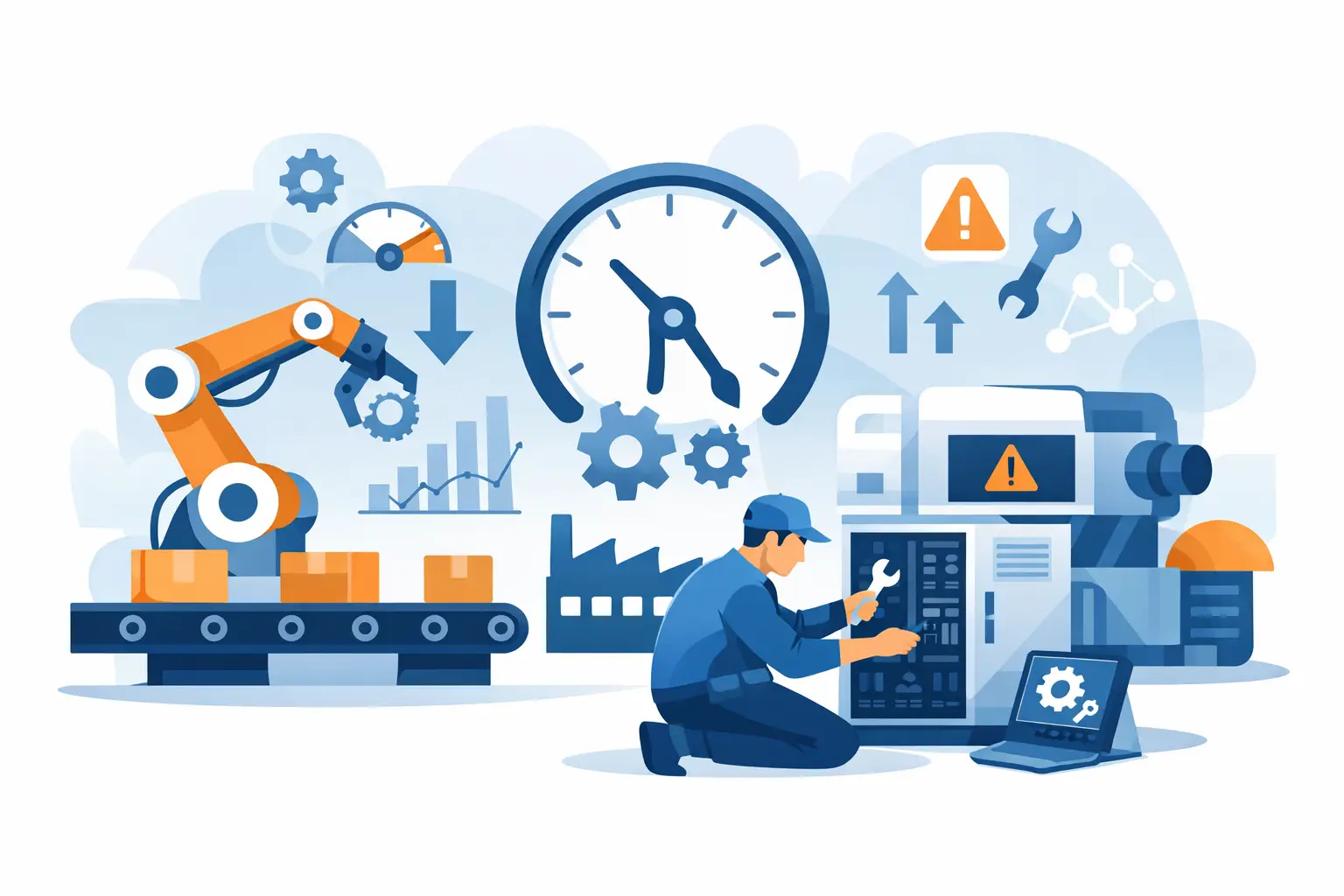
A line does not usually stop because of one dramatic failure. More often, it stops because a small component was overlooked, a replacement part was not on hand, or a minor fault took too long to isolate. That is why teams asking how to reduce automation downtime usually get the best results by tightening the entire chain - detection, diagnosis, replacement, verification, and replenishment.
For maintenance managers, controls engineers, and buyers, downtime is not just a technical issue. It is also a parts availability issue, a documentation issue, and a response-time issue. The plants that recover faster are rarely the ones with the biggest budgets. They are the ones that know which failures matter most, which SKUs are critical, and how to move from alarm to replacement without wasting hours.
How to reduce automation downtime starts with failure patterns
If you want to reduce lost production time, start with the failures that repeat. Many facilities track downtime by machine but not by component class. That leaves a gap. A packaging line may show frequent stops, but the real cause may be sensor contamination, intermittent power supply issues, a failing VFD cooling fan, or an HMI that has become unreliable after years of service.
A practical review should separate failures into predictable categories: sensing, control hardware, motion, power, communications, and operator interface. Once that is done, it becomes easier to decide what belongs in stock, what should be inspected on a schedule, and what needs a full replacement plan.
This is where trade-offs matter. Stocking every possible spare ties up capital and storage space. Stocking too little pushes risk back onto production. The goal is not maximum inventory. It is targeted inventory built around failure impact, lead time, and interchangeability.
Prioritize parts by downtime impact, not unit cost
One common mistake is managing automation spares by purchase price alone. A low-cost photoelectric sensor can stop an entire conveyor zone. A modestly priced power supply can take down a PLC rack and attached I/O. In both cases, the replacement part costs less than the lost production hour.
A better method is to rank parts by operational consequence. Ask three questions. If this part fails, does the machine stop completely? Is there a known substitute already approved? How quickly can the exact replacement be sourced?
This changes purchasing priorities fast. Components from Siemens, Allen-Bradley, Omron, Schneider, ABB, Mitsubishi, IFM, Sick, Keyence, Festo, Phoenix Contact, Yaskawa, Danfoss, and similar major brands often sit at the center of critical machine functions. If a plant depends on those exact part numbers, buyers need clear visibility into what is installed, what is aging, and what should be held as a spare.
The most useful critical spare list is not long. It is specific. It should identify exact model numbers, machine location, firmware or series where relevant, and whether field substitution is acceptable. Without that level of detail, the team may have a spare in the crib and still lose hours confirming compatibility.
Standardization reduces downtime before failures happen
Plants with mixed legacy equipment usually cannot standardize everything. Still, selective standardization pays off. Using fewer sensor families, fewer PLC accessory types, fewer HMI models, and fewer common power supply ratings reduces both troubleshooting time and spare complexity.
This does not mean forcing a single brand everywhere. In many facilities, that is unrealistic. It means reducing unnecessary variation where the application allows it. If three similar machines use three different sensor series for no operational reason, the maintenance burden increases with no production benefit.
Standardization also improves training. Technicians become faster when terminal layouts, diagnostics, software behavior, and replacement procedures are familiar. That matters during night shifts and weekend breakdowns, when the most experienced person may not be on site.
Diagnostics need to be fast enough to matter
Good diagnostics are only useful if they shorten the time to action. Many systems generate alarms, but the message stops at fault indication rather than fault isolation. “Drive fault” is not enough. “Encoder loss on axis 2” or “24VDC supply below threshold at remote I/O island” gets a technician closer to the fix.
If you are working on how to reduce automation downtime, review alarm quality as seriously as you review hardware condition. Better alarm text, clearer HMI fault pages, labeled panels, and up-to-date electrical drawings often cut recovery time more than another round of general maintenance.
There is also a practical limit. Deep diagnostic integration takes engineering time, and not every machine justifies it. For a highly utilized line or bottleneck asset, the return is obvious. For secondary equipment, basic clarity may be enough. The right level depends on the production consequence of delay.
Maintenance plans should match component behavior
Not all automation parts fail the same way. Some degrade gradually. Others fail with little warning. Cooling fans, relays, batteries, connectors, and display backlights often show age-related risk. Sensors in washdown, dusty, or high-vibration environments may fail early because the application is hard on them, not because the brand is weak.
That is why fixed calendar replacement is only part of the answer. Condition-based checks are often more useful. Inspect drive cooling paths, cabinet temperature, connector security, signal quality, and power stability. Look for nuisance faults that operators have learned to clear. Those are often early warnings of a larger stop.
For legacy PLCs and HMIs, a staged replacement plan is worth serious attention. Waiting until the hardware fails completely is risky if the series is obsolete, firmware support is limited, or exact replacements are harder to source. Planned migration costs money upfront, but emergency migration usually costs more and happens under production pressure.
Procurement speed is part of the uptime strategy
Even strong maintenance practices cannot eliminate component failures. When that happens, recovery depends on how fast the right part can be identified and ordered. That is where many downtime events expand from one hour to one shift.
A workable process starts with accurate installed-base records. If technicians, engineers, and buyers are searching through outdated spreadsheets, handwritten cabinet notes, and old invoices, the delay begins before the purchase order is raised. The exact manufacturer, model number, revision, and any approved alternates should be easy to find.
The next issue is supplier access. Plants operating across multiple OEM and control platforms need a sourcing path that does not force separate workflows for every brand. Buyers typically need recognizable manufacturer inventory, exact part-number search, account visibility, and order tracking without extra back-and-forth. For teams managing mixed-brand operations, a centralized source such as American Automation 24 can simplify replacement buying and reduce the administrative time around urgent orders.
That said, speed should not come at the cost of accuracy. Ordering the wrong revision or an incompatible accessory creates a second downtime event. Fast procurement only helps if the item is correct for the installed system.
Train for replacement, not just troubleshooting
A lot of plants invest in troubleshooting knowledge but less in replacement execution. Yet many delays happen after the fault is found. The technician knows the failed component, but the team loses time confirming wiring, parameter backup, network settings, or commissioning steps.
For critical devices, keep replacement instructions concise and accessible. That can include saved drive parameters, PLC program backups, HMI application files, network address records, and photo documentation of panel layouts. If a managed switch, safety controller, or servo drive fails, the speed of restoration depends on this information being ready before the emergency.
Cross-training also matters. If only one person knows how to restore a specific motion controller or safety module, your downtime exposure is larger than it appears on paper. Coverage across shifts is part of risk control.
Measure recovery time, not just downtime hours
Downtime reporting often stays too broad to improve action. A machine was down for three hours, but why three? Was one hour spent diagnosing, one hour sourcing the part, and one hour installing and validating? Without that breakdown, the same delays repeat.
Track the sequence. Time to detect, time to diagnose, time to locate spare or place order, time to replace, and time to restart. Once those numbers are visible, priorities become clearer. Some plants discover their issue is not hardware reliability but spare location control. Others find their true bottleneck is documentation or approval flow for urgent purchasing.
That is the practical side of how to reduce automation downtime. It is less about one big fix and more about removing friction at every handoff.
The plants that recover fastest usually do ordinary things with more discipline: accurate part records, tighter spare strategy, clearer diagnostics, better replacement documentation, and quicker access to the right components. If your team improves those five areas, the next failure may still happen, but it should not turn into a prolonged stop.